
Notifications
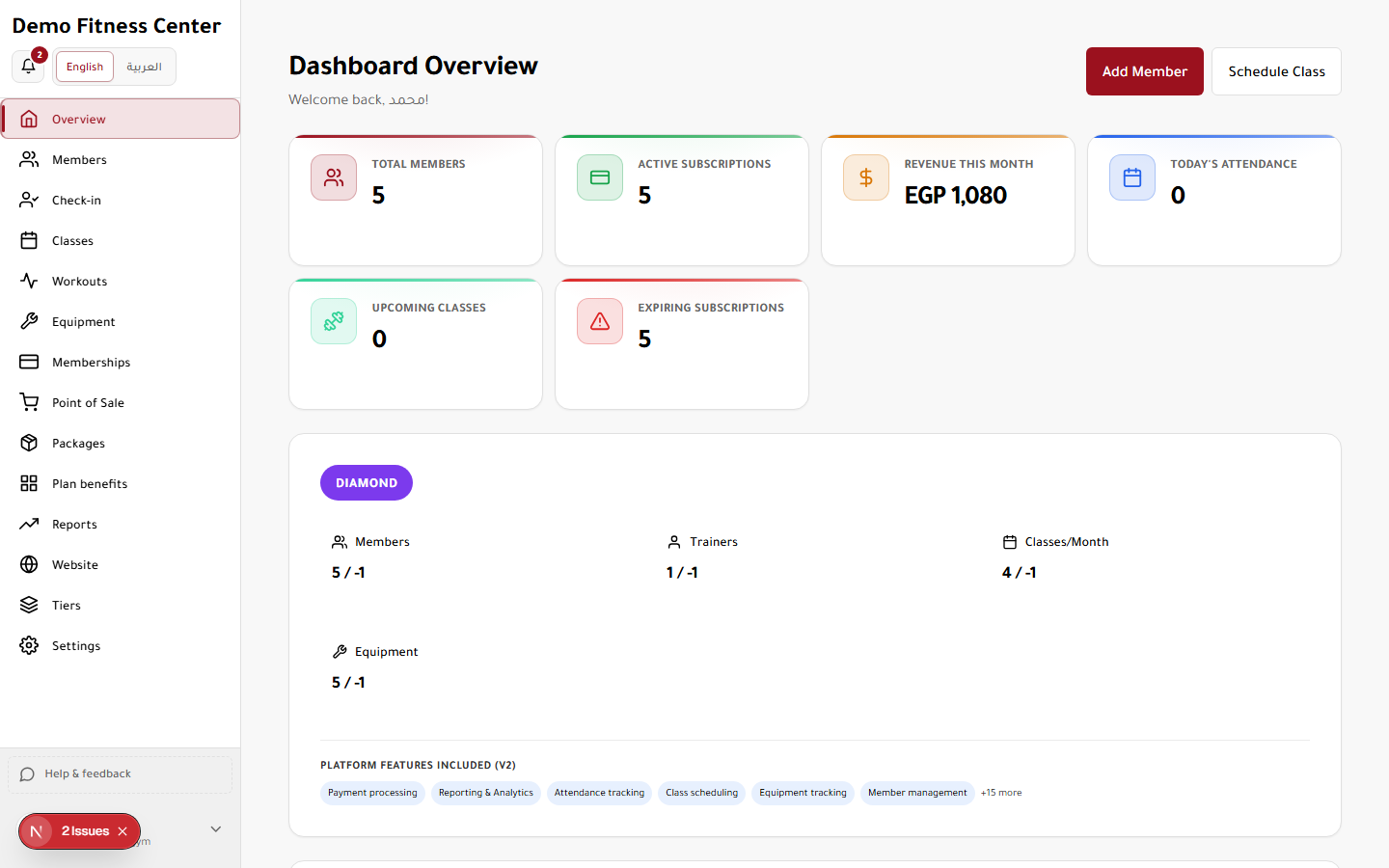
The notification bell shows system alerts, class reminders, and tier limit warnings.
Access
Roles: All roles
Tier feature: None (always available with active account)
How to use
- Click the bell icon in the dashboard header.
- Mark items as read.
- Configure preferences in Settings → Notifications.